
Label printing
on your terms.
Print labels in-house when your business needs them. Explore Epson ColorWorks for full-color product labels and the OmniLink TM-L100 for linerless thermal labeling, with guidance from Southern Barcode.
ColorWorks color inkjet • OmniLink linerless thermal
Make every label count.
Bring color label production closer to the products, people and information it supports.
Move faster
Update designs and product details without waiting on a pre-printed run.
Print what you need
Make labels for the products and batches in front of you.
Communicate clearly
Bring together branding, barcodes, text and color coding.
Connect the workflow
Pair the printer with suitable media, software and application support.
Find your fit.
Start with the label width, volume and application method. Then choose the right configuration and media.
CW-C4000
Compact, high-quality color labels for shorter runs and frequent design changes.
Gloss or matte black ink
CW-C6000
Versatile labeling for a wide choice of products, materials and workflows.
Auto cutter or peeler
CW-C6500
Wider color labels for applications needing up to approximately 8 inches.
Auto cutter or peeler
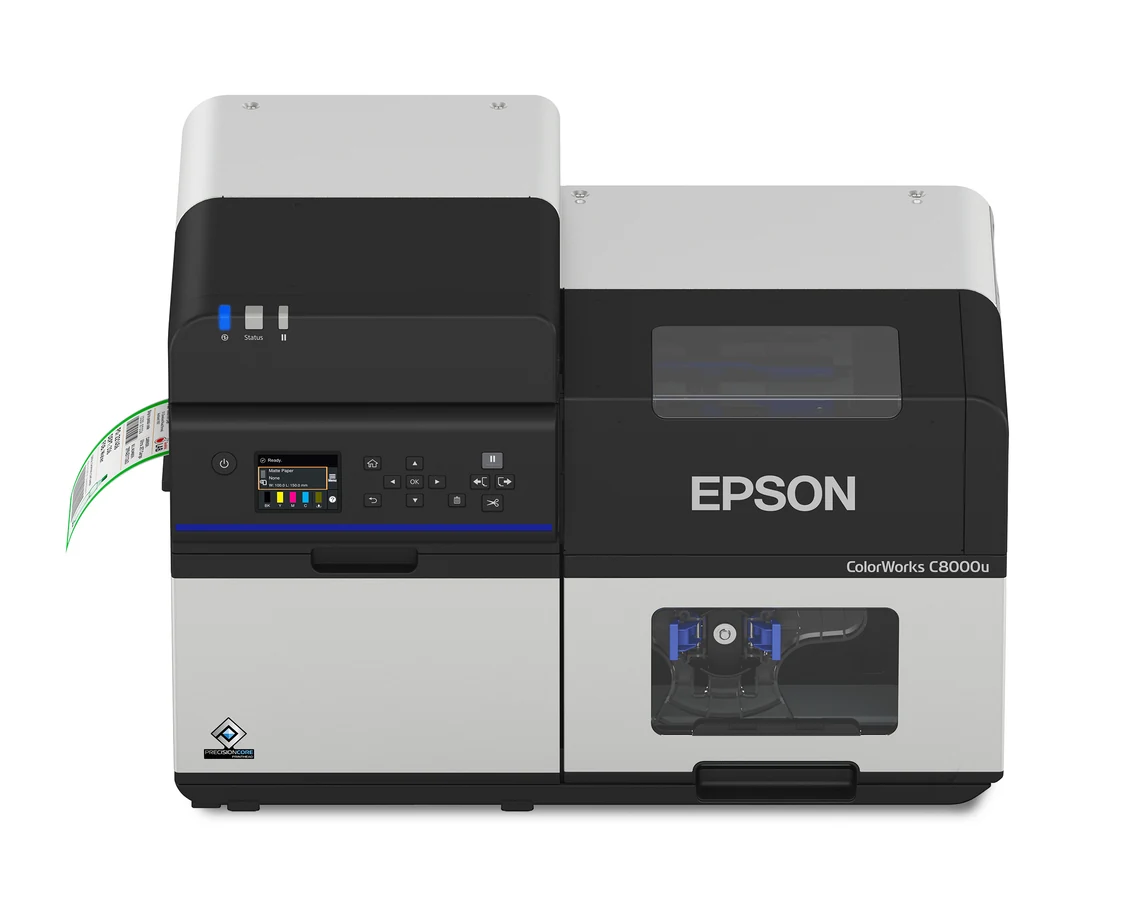
CW-C8000
Fast, consistent color output for demanding, higher-volume operations.
Up to 12 inches per second
Built for different jobs.
Four current ColorWorks families, from desktop production to industrial volumes.
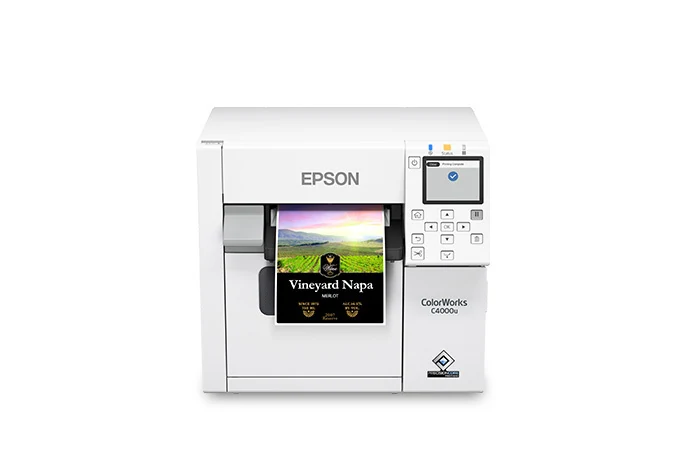
CW-C4000
Compact four-color printing with a built-in auto cutter and color-matching tools. Choose a gloss or matte black ink version to suit the label media.
Ask about the CW-C4000 →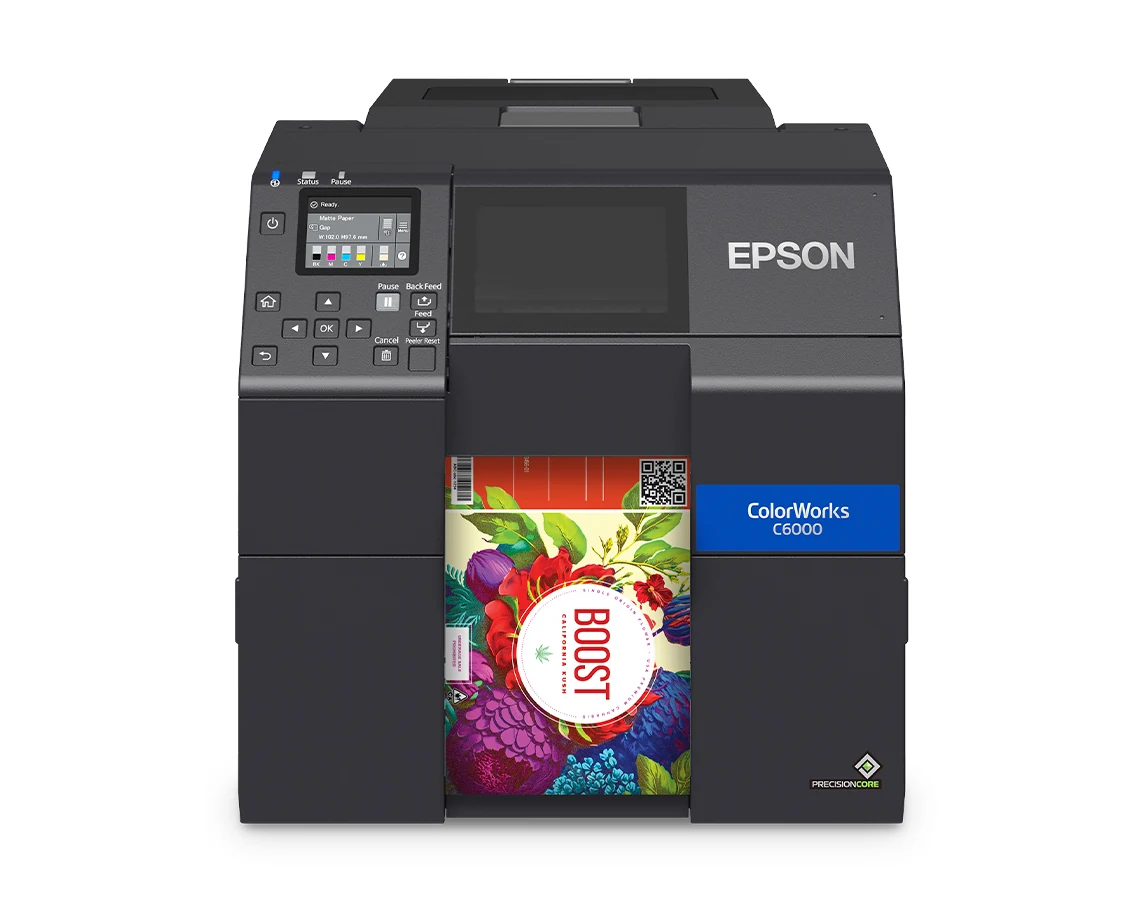
CW-C6000
Flexible shapes and materials for product, food, chemical and logistics labels. Choose the A auto-cutter model or P peel-and-present model.
Ask about the CW-C6000 →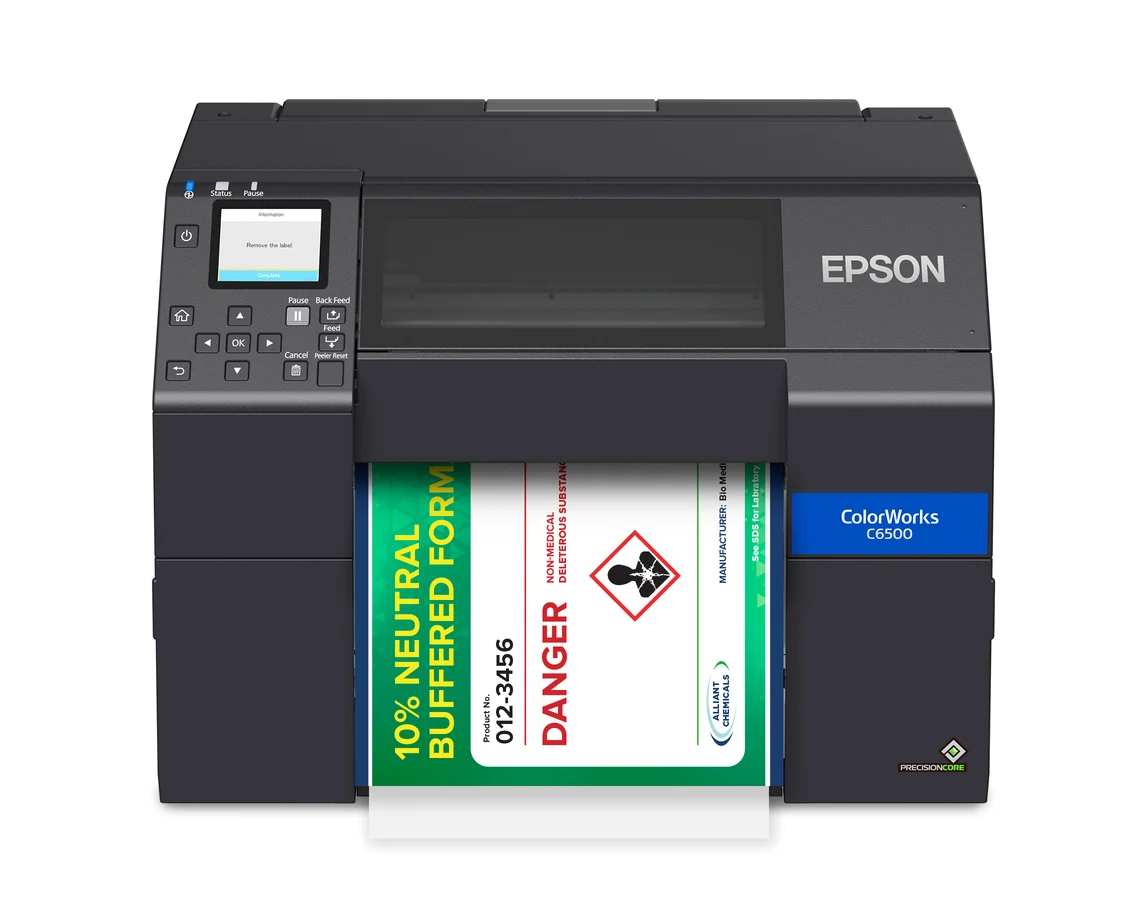
CW-C6500
On-demand color labels up to approximately 8 inches wide, with A auto-cutter and P peel-and-present versions for different workflows.
Ask about the CW-C6500 →CW-C8000
Fast industrial output with PrecisionCore, Nozzle Verification Technology and high-capacity ink packs for frequent batches and product variations.
Ask about the CW-C8000 →OmniLink TM-L100
Print labels without peeling away a backing liner. A practical choice for hospitality and retail workflows, including pickup orders, delivery, cup and item labeling.
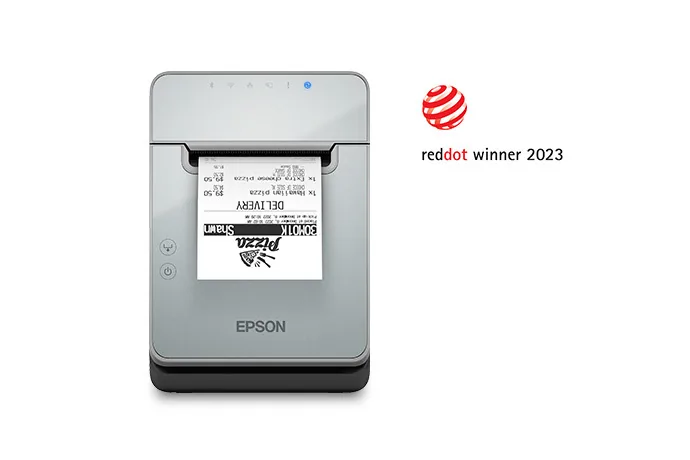
Labels that keep orders moving.
The TM-L100 uses direct thermal printing for monochrome labels. It supports Epson-tested liner-free media, including high-adhesive options, and a label-taken sensor helps keep successive labels from sticking together.
From POS to online orders.
USB and Ethernet connectivity are available, with Serial, Wi-Fi and Bluetooth options depending on configuration. The printer can be shared across POS terminals, mobile devices and cloud servers.
Server Direct Print supports printing from web-based ordering applications with a network-connected printer. USB Network Tethering is available for compatible mobile devices; confirm device and operating-system requirements. Paper-saving settings can reduce media usage by up to 47%, depending on the text and graphics printed.
Ask about the TM-L100Choose ColorWorks for full-color inkjet labels; choose the TM-L100 for monochrome linerless thermal labels. Media, connectivity and application compatibility should be checked for the selected configuration.
The complete labeling setup.
A great label depends on the hardware, materials, design and data working together. Southern Barcode can help you plan the whole application.
Label size, shape and finish
Daily volume and design changes
Barcodes and variable data
Cut or peel-and-present output
Software and integration
Ink, media and support
Epson color label printing in practice.
See how Steele Raymond improved file labeling with an Epson C3500 in this Southern Retail Systems case study. The model is from an earlier ColorWorks generation, but the case shows the practical value of bringing color label printing closer to the workflow.
How Steele Raymond Improved File Labeling with Epson C3500
A real SBC deployment showing how dedicated color label printing can support a specialised operational requirement.
Read the customer story →Tell us what you need to print.
Share the label size, volume and application. Southern Barcode can help narrow the printer and media options for your workflow.